
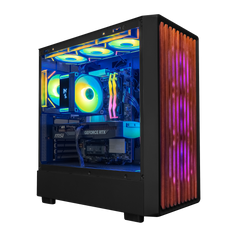
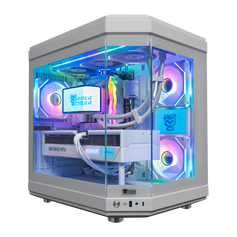
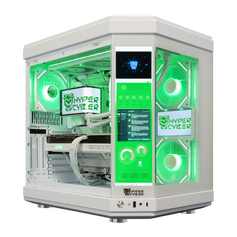
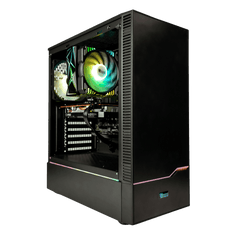
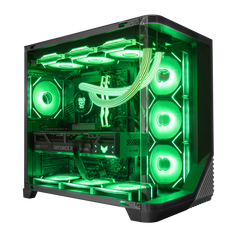
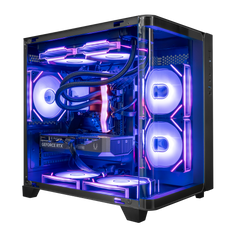
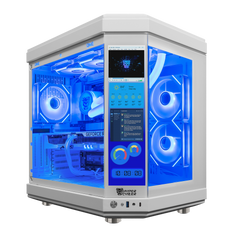
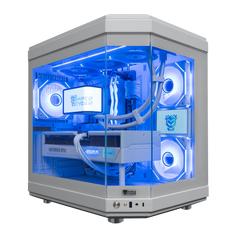






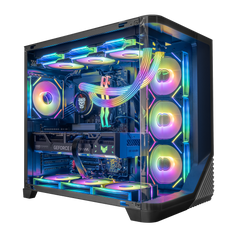


Direct answer: protecting a gaming PC in Florida takes more than buying a power strip. Put the tower on a stable surface with clear airflow, use surge protection that is appropriate for the installation, and use a UPS only for the equipment and runtime it is actually rated to support. A UPS can give you time to save work and shut down; it is not indefinite backup power. If thunderstorms are expected and you plan to unplug equipment, do it before the storm arrives. Once thunder is present, do not handle power cords or plugged-in electronics.
These steps reduce ordinary ownership risk, but no point-of-use device creates a guarantee against every power event or a direct lightning strike. The practical goal is a layered plan: safer placement, equipment selected from the real load, a controlled shutdown path, and a clear rule for when not to touch the setup.
Start with the complete setup, not only the tower
A gaming PC does not operate alone. The monitor, networking equipment, external storage, audio interface, speakers, lighting and chargers may all share the same desk. Before choosing protection, decide which devices truly need battery power and which only need an orderly shutdown.
For many setups, the useful battery-backed group is the PC, the main monitor and—when continued connectivity matters—the modem or router. Decorative lighting, a second display, speakers and nonessential chargers may add load without helping you save or shut down. The exact choice depends on the equipment and the UPS manufacturer's instructions.
| Question | Why it matters | What to record |
|---|---|---|
| What must stay on? | Every added device reduces available runtime. | PC, one display, networking and any essential external device. |
| How long must it run? | A short save-and-shut-down window needs less battery than continued work. | The number of minutes needed for a controlled exit and shutdown. |
| What is the real connected load? | UPS capacity and runtime depend on the equipment drawing power, not the price or class of the PC. | Expected or measured watts for the exact connected devices under the workload that matters. |
| What happens after shutdown? | A plan prevents the battery from being treated like a generator. | Whether the PC stays off until utility power is stable. |
Surge protection and battery backup solve different problems
A surge-protective device addresses voltage spikes within its design
A surge-protective device is intended to limit transient voltage reaching connected equipment. The NIST home surge-protection guide distinguishes lightning-related surges from switching surges and explains that protection can exist at plug-in, panel and service-entry levels. It also treats direct lightning effects separately from surges that travel through wiring.
That distinction matters. A point-of-use protector can be one useful layer for ordinary incoming or switching surges, but it is not permission to use the computer through a thunderstorm and it is not a guarantee against a direct strike. Service-panel or service-entry work is not a do-it-yourself gaming-PC accessory; it belongs with a qualified electrician or the utility where applicable.
A UPS adds limited battery runtime
An uninterruptible power supply can carry a supported load briefly when utility power fails. That window may be enough to save a file, leave a game or application cleanly and shut the computer down. It does not make a long outage disappear, and the front-panel runtime estimate is not a promise for every battery age, load or operating condition.
Some UPS models also include surge-protection functions, but the exact outlets and protections vary. Read the unit's current manual and use the battery-backed and surge-only outlets for the roles the manufacturer specifies. Do not assume that every outlet on the device behaves the same way.
How to size a UPS without guessing
Start with the intended outcome: enough time for a controlled shutdown, not the longest number printed on a box. Schneider Electric's UPS selector guidance explains that required load is based on the expected draw of the equipment being protected, while runtime depends on that load and the technical characteristics of the particular UPS.
- List only the devices that need battery support. Separate essential equipment from convenience devices.
- Estimate or measure the connected load. Use current manufacturer information or an appropriate power measurement for the exact PC, display and networking devices. A power-supply wattage label is a capacity rating, not the same thing as the computer's actual draw.
- Check the UPS output limit. The expected connected load must remain within the unit's supported output. Leave the margin required by the manufacturer rather than operating at the edge of a rating.
- Use the manufacturer's runtime data for that load. Runtime at a light load does not predict runtime at a heavier gaming or rendering load.
- Plan for aging and maintenance. Batteries are consumable parts. Follow the inspection, self-test and replacement guidance for the exact unit instead of assuming the first-day runtime will last forever.
If the PC is running a demanding workload when power fails, the safest useful goal is usually to stop the workload, save what can be saved and shut down. Continuing to play until the battery is almost empty turns a graceful-shutdown tool into another sudden-loss risk.
Florida thunderstorm safety comes before the hardware
The National Weather Service's indoor lightning guidance warns that lightning can reach a structure through wiring, plumbing or the ground. It also says not to touch electrical equipment or cords during a thunderstorm, and not to unplug equipment while the storm is in progress.
That creates a simple rule: if the forecast gives you time and unplugging is part of your plan, shut down and disconnect before the storm arrives. If thunder is already present, move away from plugged-in equipment and wait. Do not reach behind a desk, touch a power strip or handle a cable because the lights flickered.
A typical point-of-use surge protector is not a lightning shield. The NWS specifically notes that ordinary surge protectors do not guarantee protection from a lightning strike. Treat surge equipment as one layer for supported events, not a reason to ignore personal safety guidance.
Placement is part of the protection plan
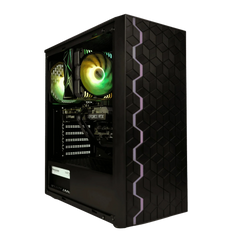
Power is only one part of the setup. Put the tower on a stable, hard surface. Keep every intake and exhaust clear, and leave enough open space for warm air to leave without returning directly to an intake. Avoid a closed cabinet, soft fabric under a bottom intake, and any location exposed to leaks, splashes or air-conditioner drainage.
A higher shelf is not automatically better if it is unstable, and a floor position is not automatically wrong if it is dry, solid and kept clear. Choose the location from the actual case vents, room traffic, dust and moisture exposure. For the thermal side of the decision, use our guide to gaming-PC cooling and airflow in Florida rooms.
What to do when the power goes out
- If the UPS carries the load, stop the demanding workload. Save documents and project files, exit the game or application, and begin a normal operating-system shutdown.
- Do not use the remaining minutes as normal play time. Keep enough reserve for the shutdown to finish.
- If the PC loses power immediately, leave it off while utility power is unstable. Repeated flicker and rapid restarts are not a useful test.
- Follow lightning-safety guidance. Do not handle cords or plugged-in devices while thunder is present.
- After service is stable, check the setup before resuming. Confirm that the surge device or UPS shows no warning, the battery self-test does not report a fault, and the PC starts without an unusual smell, noise, heat or error. If anything appears damaged, keep it off and use qualified support.
An unexpected shutdown can also expose file or application problems even when no hardware is damaged. Let the operating system complete any recovery checks, then verify important work before returning to a long gaming, rendering or development session.
Build the plan around the complete configuration
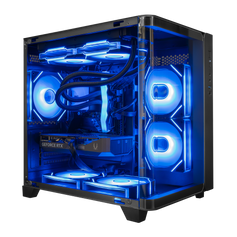
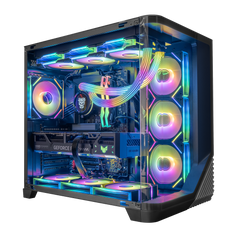
The protection plan should fit the actual system, display and room—not a generic "high-end PC" label. A larger graphics card, multiple displays, external storage or networking equipment can change the connected load. The case layout and room determine where the tower can sit without blocked airflow or moisture exposure.
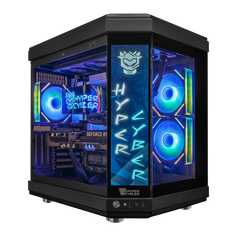
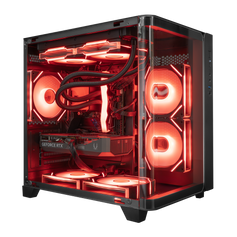
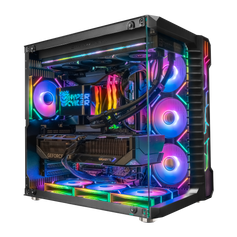
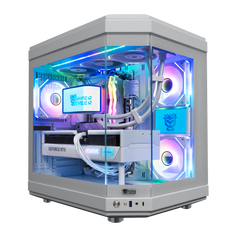
If you are choosing a new system, compare current gaming PCs by the complete configuration, including the power supply, cooling, case, connections and the displays or peripherals you plan to run. Tampa-area buyers can also review the current path for gaming PCs built in Tampa. Protection equipment is a separate purchase decision; this guide does not imply that a particular UPS or surge device is included.
Before assuming storm or outage damage is covered, read the current Hyper Cyber warranty terms. Coverage depends on the published terms and the actual cause; a general ownership article cannot change them.
Florida gaming-PC power protection FAQ
Will a surge protector protect a gaming PC from a direct lightning strike?
No point-of-use protector should be treated as a guarantee against a direct lightning strike. Use appropriate surge protection for supported events, follow professional guidance for service-level protection, and follow National Weather Service advice: unplug before a storm only when it is safe and do not touch cords or electrical equipment during the storm.
How long will a UPS run a gaming PC?
There is no universal runtime. It depends on the actual connected load, the UPS model, battery condition and operating state. Use the manufacturer's runtime data for the expected load and plan around a controlled shutdown rather than indefinite operation.
Should the monitor and router be on the battery too?
They can be when they are necessary for saving work, ending the session or staying connected during shutdown, but every device consumes capacity. Include only equipment the UPS is rated to support and follow the exact unit's outlet instructions.
Is the PC power-supply wattage the same as the UPS load?
No. The power-supply wattage is the PSU's output-capacity rating. The PC's real draw changes with hardware and workload. UPS selection should use the expected or measured load of all battery-backed devices plus the manufacturer's required margin.
Where should a gaming PC sit in a Florida room?
Use a stable, hard, dry location with clear intake and exhaust paths. Keep the tower away from leaks, splashes, soft surfaces that block vents and closed compartments that trap exhaust. Let the actual case layout and room conditions guide the position.
Does the Hyper Cyber warranty cover surge or outage damage?
Do not assume coverage from this article. Review the current warranty page for the published coverage and exclusions, and contact support with the actual event and system details when guidance is needed.
One useful next step
Write down the PC, monitor and network equipment that truly need battery support, record the expected connected load, and decide how many minutes you need to save and shut down. Then compare manufacturer runtime data for that load. If you are still choosing the computer itself, start with the complete configurations in the Hyper Cyber gaming-PC collection rather than sizing power protection from a model name alone.


