

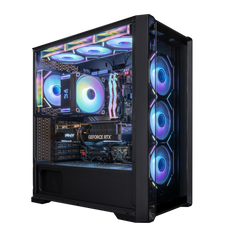



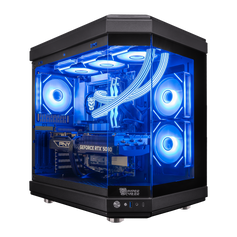
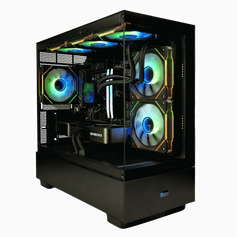





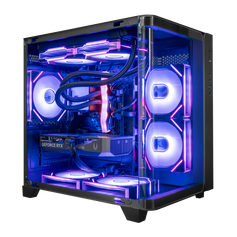











FPS, or frames per second, is the number of individual images your system renders and displays every second while you play. The higher the FPS, the smoother motion appears and the more responsive your game feels to mouse and keyboard input. In gaming, FPS is one of the main practical indicators of performance.
What Is FPS in Gaming?
Your GPU draws a frame, sends it to the display, then repeats that process over and over. The count of those frames per second is your FPS.
Rough guidelines many PC players use:
- 30 FPS – Bare minimum; playable but noticeably choppy.
- 60 FPS – Smooth and responsive for most single‑player and casual games.
- 120–144+ FPS – Ultra‑smooth motion ideal for competitive shooters and esports.
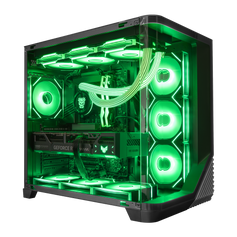
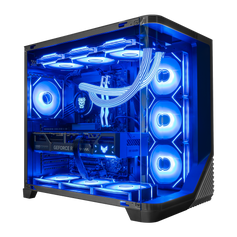
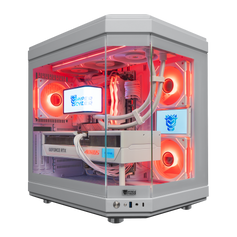
A well‑configured system (for example, a balanced gaming PC built around a modern CPU and GPU) aims to keep FPS stable rather than just hitting the highest possible peak.
Why FPS Matters So Much
FPS affects both visual smoothness and control responsiveness. At low frame rates, aiming feels sluggish, animations can stutter, and tracking fast‑moving targets becomes harder. At higher frame rates:
- motion looks more continuous,
- input feels more immediate,
- small aim corrections are easier to see.
That’s why serious competitive players gravitate toward high‑FPS systems, such as tuned esports gaming PCs, where hitting 144 FPS or more is a realistic goal.
What Is a “Good” FPS?
“Good” depends on the game and your priorities:
- Story‑driven or cinematic titles often feel fine at 60 FPS.
- Competitive shooters and battle royales benefit from 120–144+ FPS if your monitor can display it.
- For ultra‑high‑refresh monitors (240 Hz and above), the limiting factor is usually GPU power and game settings.
When you choose a prebuilt, it’s worth checking how the GPU tier aligns with your target FPS at your chosen resolution (1080p, 1440p, or 4K).
Related Concepts
- Refresh Rate – How many times per second your monitor can update the image; caps how much FPS you can actually see.
- Input Lag – The delay between your input and the on‑screen response; high FPS helps reduce perceived lag.
- GPU – The main component that determines how much FPS you can achieve in a given game.


